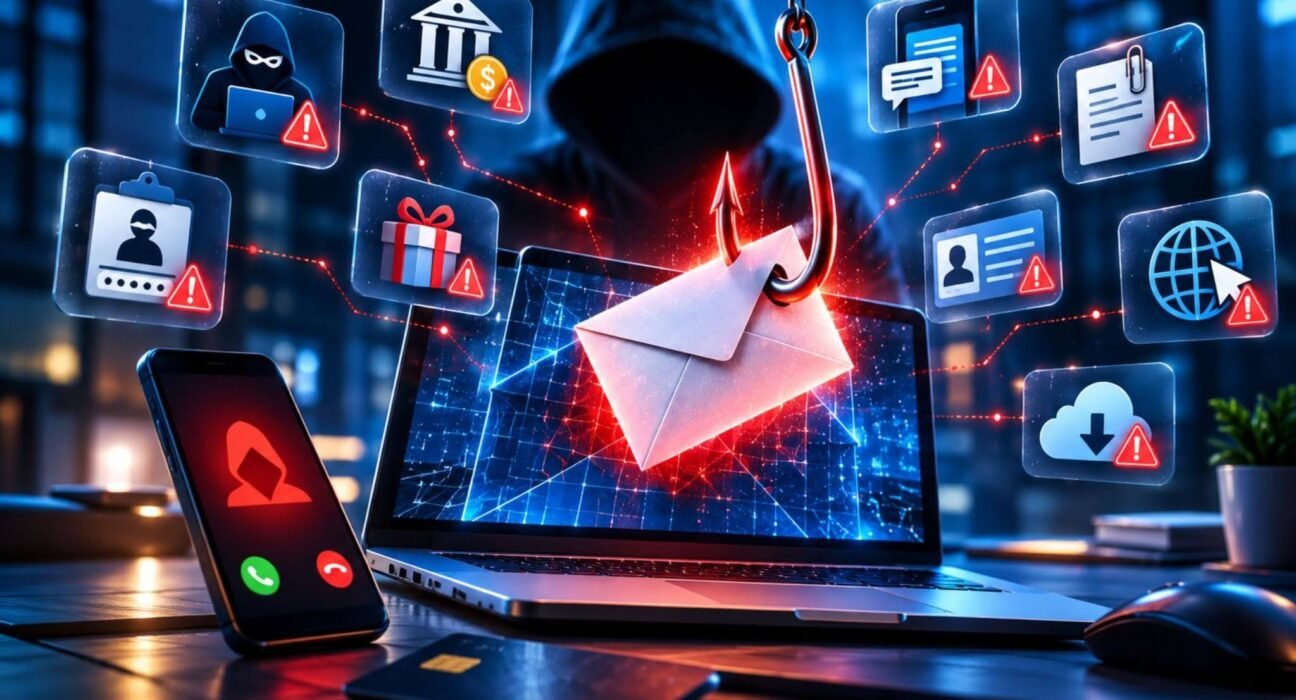
Phishing attacks are designed to make people trust something that is not trustworthy. A message may appear to come from a bank, employer, delivery company, social network, or even someone you know. The goal is usually to persuade you to reveal sensitive information, open a malicious attachment, visit a fraudulent website, or transfer money.
The challenge is that modern phishing is not always obvious. Some messages use convincing branding, realistic language, familiar names, and information gathered from public sources. Understanding how phishing attacks work can make it much easier to recognize suspicious activity before it causes damage.
Here are 10 common phishing attacks, along with practical ways to identify and avoid them.
Table of Contents
Toggle1. Email Phishing
Email phishing is one of the most common forms of phishing. Attackers send messages that imitate legitimate organizations and try to convince recipients to take action.
A typical message might claim that your account has been locked, a payment failed, or an important document requires your attention. The email then directs you to a website that looks legitimate but is controlled by the attacker.
How to identify phishing emails
Look beyond the logo and design. Check the sender’s actual email address, examine links before clicking them, and be cautious about messages that create urgency or request sensitive information.
Unexpected requests to enter passwords, payment details, verification codes, or other confidential information deserve extra scrutiny.
2. Spear Phishing
Spear phishing is a targeted form of phishing. Instead of sending the same message to thousands of people, attackers customize the communication for a particular person or organization.
For example, an employee might receive a message that appears to come from a manager and asks them to review a document or perform an unusual task.
Because the message contains relevant details, it can appear more credible than a generic phishing email.
The safest approach is to independently verify unusual requests, especially when they involve money, credentials, confidential files, or changes to account information.
3. Business Email Compromise
Business email compromise, often associated with targeted phishing, attempts to exploit business relationships and workplace communication.
An attacker may impersonate an executive, supplier, customer, or employee and request a payment, invoice change, gift card purchase, or sensitive document.
The message may not contain an obvious malicious link. Instead, the attack relies on social engineering—the manipulation of people into taking an action that benefits the attacker.
For financial or sensitive requests, use a trusted communication channel to confirm the request rather than relying solely on the email. Read another article on Quantum Computing Cybersecurity
4. Smishing: Phishing Through Text Messages
Smishing is phishing delivered through SMS or other messaging services.
A text might claim that a package cannot be delivered, a payment needs confirmation, or an account requires verification. It may contain a shortened or unfamiliar link designed to send the recipient to a fraudulent website.
Do not assume a text message is safe simply because it arrives on your phone. Avoid clicking unexpected links and instead open the relevant company’s official application or website directly.
5. Vishing: Voice Phishing
Vishing uses phone calls or voice messages to manipulate victims.
An attacker may pretend to be a bank representative, technical support agent, government employee, or another trusted party. They may create pressure by claiming there is suspicious activity on an account or that immediate action is required.
The caller might ask for passwords, verification codes, card information, or remote access to a computer.
Legitimate organizations generally have established procedures for handling sensitive information. If a call seems suspicious, end it and contact the organization using a trusted phone number from its official website or your existing account documentation.
6. Pharming Attacks
Pharming is a more technical type of attack in which users can be redirected to fraudulent websites even when they believe they are visiting a legitimate destination.
The fake website may look almost identical to the real one and can be designed to collect login credentials or other sensitive information.
Using secure, reputable services and keeping operating systems, browsers, and security software updated can reduce exposure to certain types of malicious redirection. Users should also pay attention to the website address before entering sensitive information.
7. Clone Phishing
Clone phishing involves creating a fraudulent copy of a legitimate message, website, or communication.
For example, an attacker could imitate a genuine email that a person has previously received and replace its legitimate link or attachment with a malicious one.
This technique works because the message may look familiar. Instead of trusting an email simply because it resembles previous communications, verify unexpected changes, attachments, links, or requests.
8. Social Media Phishing
Phishing attacks also occur through social media platforms.
An attacker may create a fake account, compromise an existing account, or send a direct message pretending to represent a company or someone the victim knows. The message might contain a link to a fake login page or a fraudulent promotion.
Be especially cautious when a social media contact suddenly asks you to click a link, provide a verification code, send money, or move the conversation to another platform.
If something seems unusual, contact the person through a separate trusted channel.
9. Search Engine Phishing
Not every phishing attempt starts with an email or message. Attackers can also create deceptive websites designed to appear in search results.
A user searching for customer support, account recovery, software downloads, or another service may encounter a fraudulent website that resembles the legitimate one.
Before entering credentials or downloading software, verify the domain and make sure you are using the organization’s official website. Avoid relying solely on advertisements or search-result appearance as proof that a website is legitimate. Read another article on Hackers Attach Google Chrome Security Sandbox with Zero-Day Flaw
10. QR Code Phishing
QR code phishing, sometimes called quishing, uses QR codes to direct people toward malicious or fraudulent websites.
The code may appear in an email, text message, poster, document, or other communication. Because users cannot immediately see the destination in the same way they can inspect a traditional URL, QR codes can make suspicious links harder to evaluate.
Before scanning an unexpected QR code, consider where it came from and why you are being asked to scan it. After scanning, check the destination address carefully before entering credentials or payment information.
What Makes Phishing Attacks So Effective?
Phishing succeeds by exploiting human behavior rather than relying only on technical vulnerabilities.
Attackers commonly use several psychological triggers:
Urgency: “Your account will be closed today.”
Fear: “Suspicious activity has been detected.”
Authority: “Your manager needs this immediately.”
Curiosity: “See the document attached.”
Reward: “You’ve won a prize.”
Trust: “Your package requires delivery confirmation.”
These techniques encourage people to react quickly instead of stopping to verify the request.
That is why recognizing the emotional pressure behind a message can be just as useful as checking its technical details.
How to Avoid Phishing Scams
The best defense is a combination of cautious behavior and basic security practices.
First, slow down when a message demands immediate action. Attackers often want you to react before you have time to question the request.
Second, verify important requests independently. If someone asks you to transfer money or provide sensitive information, contact them using a known phone number, official website, or another trusted communication method.
Third, avoid entering passwords after following unexpected links. Instead, open the service directly through a known website or official application.
Strong, unique passwords and multifactor authentication can also limit the damage if a password is exposed. Password managers can make it easier to use unique credentials across different services.
Keeping your browser, operating system, applications, and security tools updated is another important part of maintaining basic security hygiene.
What Should You Do If You Click a Phishing Link?
Clicking a suspicious link does not automatically mean your accounts have been compromised, but you should respond promptly.
If you entered a password, change it immediately from the legitimate website. If you reused that password elsewhere, change it on those accounts too.
If you provided financial information, contact the relevant financial institution through an official channel and explain what happened.
If you downloaded an unexpected file, avoid opening it again and consider running a security scan using trusted security software.
You should also report the phishing attempt through the appropriate platform, organization, or security channel when possible. Reporting can help reduce the chance of others encountering the same scam.
How to Recognize Common Phishing Examples
Many phishing messages contain recognizable warning signs. Watch for:
- Unexpected requests for passwords, payment information, or verification codes
- Urgent demands that discourage you from checking the request
- Suspicious sender addresses or domains
- Links that lead somewhere different from what the message claims
- Unexpected attachments
- Requests to bypass normal company procedures
- Offers that seem unusually good or unexpected
- Messages containing unusual wording or formatting
- Requests for secrecy
- Login pages reached through unexpected links
No single warning sign proves that a message is malicious. However, several suspicious signals together should make you stop and verify the communication.
Why Phishing Awareness Matters
Technology can block many malicious messages, but security tools cannot replace careful decision-making.
A sophisticated phishing attempt may use a legitimate-looking domain, convincing language, or information that appears to come from a trusted relationship. The person receiving the message is often the final decision point.
Building a habit of checking the sender, verifying unusual requests, inspecting links, and avoiding unnecessary urgency can significantly improve personal and organizational security.
Phishing awareness is therefore not just an IT concern. It is a practical digital-safety skill for anyone who uses email, messaging apps, social media, online banking, or cloud services.
FAQs
What are phishing attacks?
Phishing attacks are deceptive attempts to trick people into revealing sensitive information, downloading malicious content, visiting fraudulent websites, or performing actions that benefit an attacker.
How can I identify a phishing email?
Check the sender’s actual address, inspect links before opening them, look for unexpected attachments, and be cautious about urgent requests for passwords, payments, or verification codes.
What is the most common type of phishing?
Email phishing is one of the most widely recognized forms. However, phishing can also occur through text messages, phone calls, social media, QR codes, websites, and other communication channels.
Can clicking a phishing link compromise my account?
It can create risk, particularly if the link leads to a fake login page or malicious download. If you clicked one, avoid entering information, close the page, and take appropriate security steps if you provided credentials or downloaded something.
How can I avoid phishing scams?
Slow down when messages create urgency, verify unexpected requests through trusted channels, avoid suspicious links and attachments, use strong unique passwords, and enable multifactor authentication where available.
Conclusion
Phishing attacks continue to rely on a simple idea: make a fraudulent request look trustworthy enough that someone acts on it.
Learning how phishing attacks work makes suspicious messages easier to recognize. Whether the attempt arrives through email, text, phone, social media, a QR code, or a fake website, the same principle applies: pause, verify, and avoid sharing sensitive information until you know who you are dealing with.
The strongest defense is not simply knowing what phishing looks like. It is developing the habit of questioning unexpected requests before acting on them.