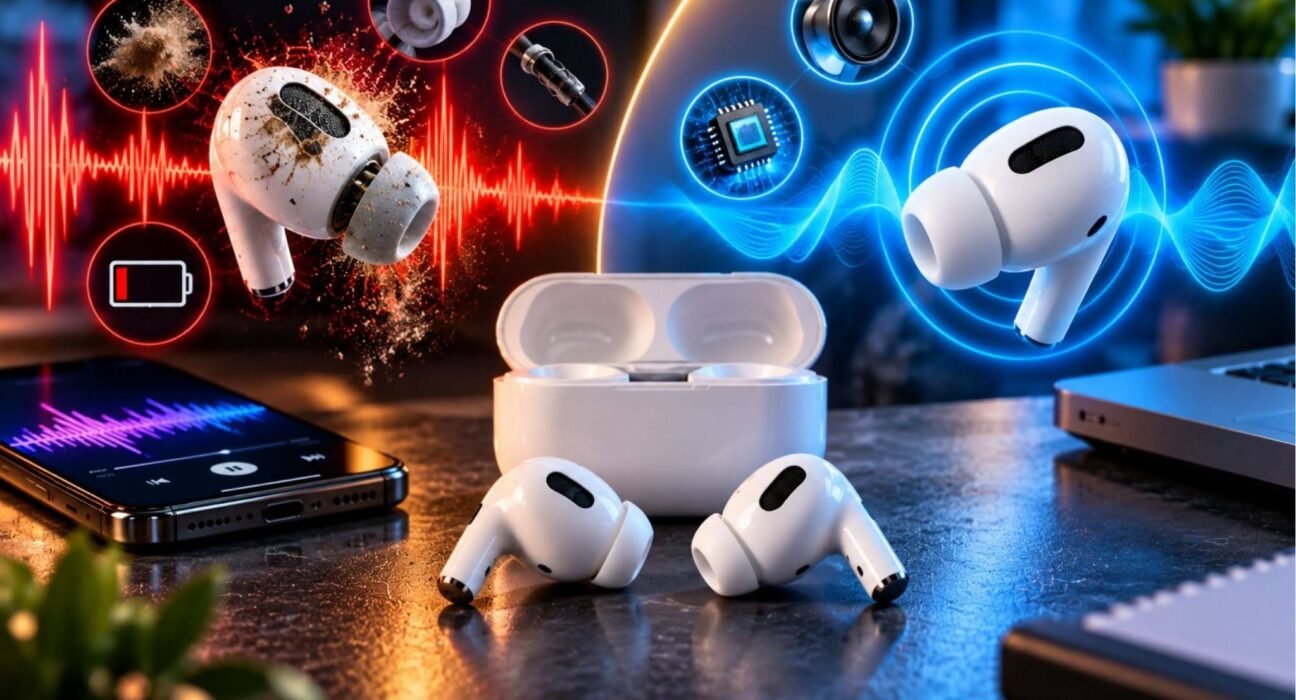
When earbuds sound bad, the problem is not necessarily the earbuds themselves. Poor sound can come from blocked speaker grilles, incorrect audio settings, Bluetooth problems, a poor fit, damaged hardware, or even the source audio.
The good news is that many earbud sound problems can be fixed without replacing your earbuds. The right solution depends on what you are hearing—muffled audio, weak bass, distortion, low volume, crackling, or an imbalance between the left and right earbuds.
Table of Contents
ToggleWhy Do My Earbuds Sound Bad?
Earbuds can sound bad because of physical blockage, poor fit, incorrect equalizer settings, Bluetooth issues, damaged components, or low-quality audio.
Before assuming your earbuds are broken, identify exactly what sounds wrong. Different symptoms often point toward different causes.
For example, muffled sound can indicate blocked speaker openings, while distorted audio at high volume may be related to excessive volume or damaged hardware. Weak bass can be caused by an improper seal in the ear.
Earbuds Sound Muffled
Muffled earbuds often sound as though the music is coming from behind a barrier. Vocals may lose clarity, while high-frequency details become difficult to hear.
Clean the Earbuds Carefully
Earwax, dust, skin particles, and other debris can accumulate around the speaker mesh. Even a relatively small obstruction can affect how sound reaches your ear.
Use a soft, dry brush or another cleaning method recommended by the manufacturer. Avoid pushing debris deeper into the speaker opening or introducing liquid unless the manufacturer specifically says that the earbuds can safely be cleaned that way.
For model-specific cleaning advice, consult the manufacturer’s earbud cleaning instructions before using liquids or cleaning tools.
Check the Ear Tip Fit
For in-ear earbuds, the ear tip creates a seal inside the ear canal. If the seal is poor, the earbuds may lose bass and sound thinner.
Try a different ear-tip size if your earbuds include multiple options.
Earbuds Sound Too Quiet
If your earbuds suddenly sound quieter than usual, check both the device volume and the earbuds’ volume controls.
Also check whether your phone has audio limits, accessibility settings, or other volume-related controls enabled.
If only one earbud is quiet, inspect both earbuds for dirt or blockage and check the device’s left-right audio balance setting.
Earbuds Sound Distorted or Crackly
Distortion can appear as buzzing, crackling, harshness, or sound that becomes unpleasant when the volume increases.
Start by lowering the volume. If distortion disappears at a lower level, excessive volume may be contributing to the problem.
Then test another song or audio source. If only one recording sounds distorted, the original recording or streaming source may be responsible.
If multiple sources produce distortion, reconnect the earbuds and test them with another device. Persistent distortion across different devices can indicate a hardware problem.
Earbuds Have Weak or No Bass
Weak bass is one of the most common complaints about in-ear earbuds.
The first thing to check is the physical fit. Bass depends heavily on creating an effective seal between the ear tip and ear canal.
Try:
- A different ear-tip size
- Repositioning the earbuds
- Checking the equalizer settings
- Disabling unusual sound-processing effects
- Testing another audio source
If the earbuds previously had strong bass but suddenly lost it, physical blockage or a changed audio setting deserves particular attention.
One Earbud Sounds Different From the Other
If one earbud sounds louder, quieter, brighter, or more muffled than the other, check the device’s audio balance first.
A left-right balance setting that has been moved away from the center can make one channel appear significantly quieter.
If one side is louder than the other, follow Samsung’s guide to adjusting Galaxy Buds sound and check for debris around the speaker mesh.
Also check whether one earbud has more debris around its speaker opening.
If the imbalance remains after cleaning, resetting, and testing another device, the issue may be related to the earbud itself.
Bluetooth Earbuds Sound Bad
Bluetooth earbuds can experience audio problems because of connection issues, device settings, software problems, or interference.
If your wireless earbuds suddenly sound poor, try this basic sequence:
- Disconnect the earbuds from your device.
- Turn Bluetooth off and back on.
- Reconnect the earbuds.
- Restart the phone, tablet, or computer.
- Test the earbuds with another device.
- Install available firmware or device updates if recommended by the manufacturer.
- Reset the earbuds according to the manufacturer’s instructions if the problem continues.
Testing another device is particularly useful because it helps determine whether the problem follows the earbuds or stays with the original device.
Could the Audio Source Be the Problem?
Yes. Your earbuds may be working correctly while the source audio is poor.
Try a high-quality recording that you know well. Compare it with another streaming service, downloaded file, video, or application.
If your current earbuds still fail to deliver the sound quality you expect, compare the features and performance of the best noise-canceling earbuds before deciding whether to upgrade.
How to Fix Earbuds That Sound Bad
A systematic troubleshooting process is usually more effective than changing multiple settings at once.
Step 1: Identify the Symptom
Determine whether the problem is:
- Muffled sound
- Low volume
- Weak bass
- Distortion
- Crackling
- Uneven left/right volume
- Intermittent audio
- Poor Bluetooth performance
This narrows down the possible causes.
Step 2: Check the Physical Condition
Look for visible damage, debris, blocked speaker openings, damaged ear tips, or charging problems.
Do not use aggressive cleaning methods that could damage delicate components.
Step 3: Check Audio Settings
Review:
- Equalizer settings
- Left-right balance
- Volume limits
- Accessibility audio settings
- Spatial or surround audio
- Manufacturer-specific sound modes
An equalizer or processing mode can significantly change how earbuds sound.
Step 4: Reconnect the Earbuds
Forget or remove the earbuds from the Bluetooth device and pair them again if a normal reconnection does not help.
Step 5: Test Another Device
This is one of the most useful troubleshooting steps.
If the earbuds sound bad on every compatible device, the earbuds themselves become a more likely source of the problem. If they work normally on another device, investigate the original device’s settings or software.
Step 6: Reset the Earbuds
If the manufacturer provides a reset procedure, follow its official instructions.
A reset can resolve configuration or pairing problems, but it will not repair physically damaged hardware.
When Should You Replace Your Earbuds?
Replacement may be worth considering when the problem remains after basic troubleshooting and the earbuds show signs of physical or electrical failure.
Examples include persistent distortion, a permanently weak channel, charging failures, physical damage, or battery problems.
Before replacing them, check whether they are still covered by a manufacturer’s warranty or other applicable consumer protection.
Real-World Example: Diagnosing Bad Earbud Sound
Imagine your earbuds suddenly sound muffled after several months of use.
Instead of immediately buying a new pair, start by comparing the left and right earbuds. If one is noticeably quieter, inspect the speaker opening and clean it according to the manufacturer’s guidance.
Next, check the audio balance and equalizer settings. Then connect the earbuds to another phone.
If they sound normal on the second phone, the original phone’s settings or software may be responsible. If they remain muffled everywhere, a physical problem becomes more likely.
This step-by-step approach helps separate earbud problems from device, settings, and source-audio problems.
Best Practices for Maintaining Earbud Sound Quality
Regular maintenance can help prevent some common audio problems.
Keep the speaker openings clean, store the earbuds in their case, avoid unnecessary exposure to moisture, and handle charging contacts carefully.
For people who listen to music while travelling, other essential travel tech gadgets can also help make journeys more convenient.
It’s also useful to periodically review audio settings after operating-system updates or when switching between devices. A setting that sounds good for one pair of headphones may not produce the same result with another.
Most importantly, avoid assuming that louder means better. Excessive volume can make audio unpleasant and may pose risks to hearing.
Frequently Asked Questions
Why do my earbuds suddenly sound bad?
Sudden changes can result from blocked speaker openings, altered audio settings, Bluetooth connection problems, software changes, or hardware faults. Test another audio source and device to narrow down the cause.
Why do my earbuds sound muffled?
Muffled sound is commonly associated with blocked speaker openings or an improper ear-tip fit. Cleaning the earbuds safely and trying a different ear-tip size can help identify the cause.
Why do my earbuds sound quiet even at full volume?
Check the device’s volume controls, volume limits, accessibility settings, and audio balance. If only one earbud is quiet, inspect it for blockage and compare it with the other side.
Why does one earbud sound louder than the other?
An incorrect left-right balance setting, debris, an earbud fit issue, or hardware failure can cause uneven volume. Test both earbuds on another device to help isolate the problem.
How can I make my earbuds sound better?
Start with a proper fit, clean speaker openings, appropriate volume, and neutral or carefully adjusted audio settings. Testing different ear tips and checking the source audio can also improve perceived sound quality.
Should I reset my earbuds if they sound bad?
A reset can help when the problem is caused by pairing or configuration issues. It is less likely to fix physical damage or blocked speaker openings. Follow the manufacturer’s reset instructions.
How do I know if my earbuds are broken?
If the earbuds continue to produce distortion, severe imbalance, intermittent audio, or very low volume across multiple devices after basic troubleshooting, a hardware problem becomes more likely.
Conclusion
When earbuds sound bad, replacing them should not necessarily be your first step. Start by identifying the specific symptom, then check cleanliness, fit, audio settings, Bluetooth connectivity, and the source audio.
Testing the earbuds with another device is particularly useful because it helps determine whether the problem is caused by the earbuds or the device they’re connected to. If the same issue persists everywhere, inspect the manufacturer’s troubleshooting and warranty options before deciding whether replacement is necessary.